Choose SeeMusic if
- You want it on Windows, iPhone, iPad, or Android.
- You want 3D notes, or real overhead footage of your hands synced to the keys.
- You are fine with a subscription.
- You want a large built-in preset gallery to start from.
SeeMusic makes piano videos on every platform, on a subscription. LumaKeys makes them on Mac, around learning and keeping your pieces, for one payment.
SeeMusic makes falling-note videos: import MIDI or MusicXML, play live, or convert a piano recording to MIDI, pick a visual preset, and render for YouTube or social. It runs on Mac, Windows, iPhone, iPad and Android, free with a watermark or on a Pro subscription. LumaKeys makes the same kind of video on Mac, around practicing the piece: loop, slow-down and hands split, a piano roll, on-device transcription, and your repertoire in one place.
| Feature | SeeMusic | LumaKeys |
|---|---|---|
| The basics | ||
| Price | Free with watermark, Pro from $8.99 a month or $79.99 a year | $69 for a limited time, then $99 |
| Subscription | Yes, monthly or yearly | None, pay once |
| Platforms | macOS, Windows, iOS, Android | macOS, Apple Silicon and Intel |
| Make the video | ||
| Falling-note video export | Square, vertical, widescreen, up to 4K 60 fps | 16:9 and 9:16, 60 fps, 4K on Pro |
| Customizable visuals | ||
| Sheet music next to the notes (MusicXML) | — | |
| 3D depth notes | — | |
| Real hands-cam footage sync | — | |
| Record your playing | MIDI keyboard, with synced audio and camera | MIDI or computer keys, per hand |
| Note editing | MIDI editor (move, resize, velocity) | Piano roll |
| Learn and keep | ||
| Learn from falling notes | ||
| Audio to MIDI transcription | 5 on Free, unlimited on Pro | |
| Repertoire library | ||
| External piano plugins | — | Pro |
Sources: SeeMusic features SeeMusic on the Mac App Store SeeMusic subscription terms LumaKeys pricing
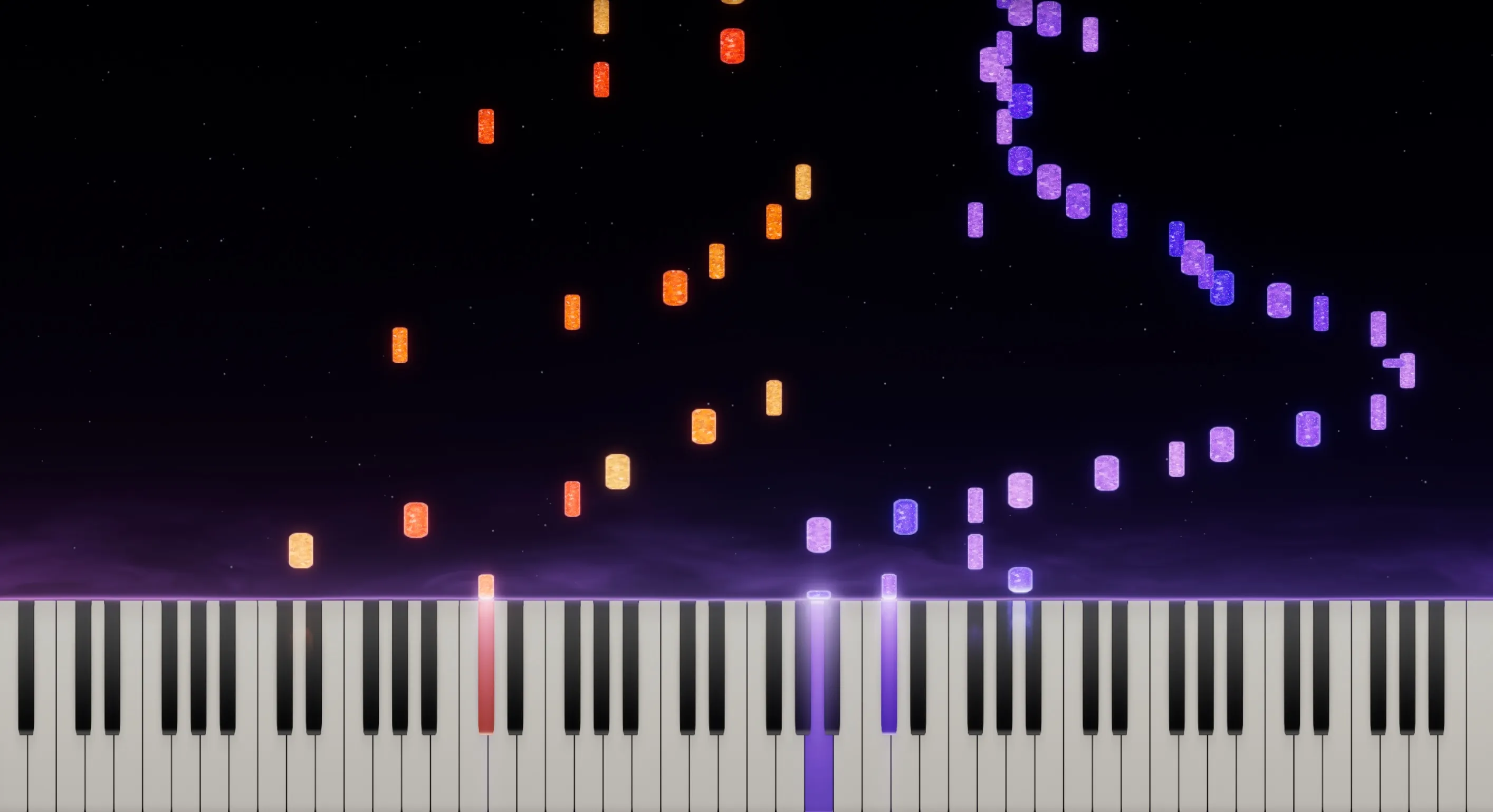
Loop the bar that keeps falling apart, slow it down, split the hands. Learn the piece in the same app you make the video with.

Drop in a piano recording, or record your piano through the microphone, and it becomes editable notes, on your Mac.
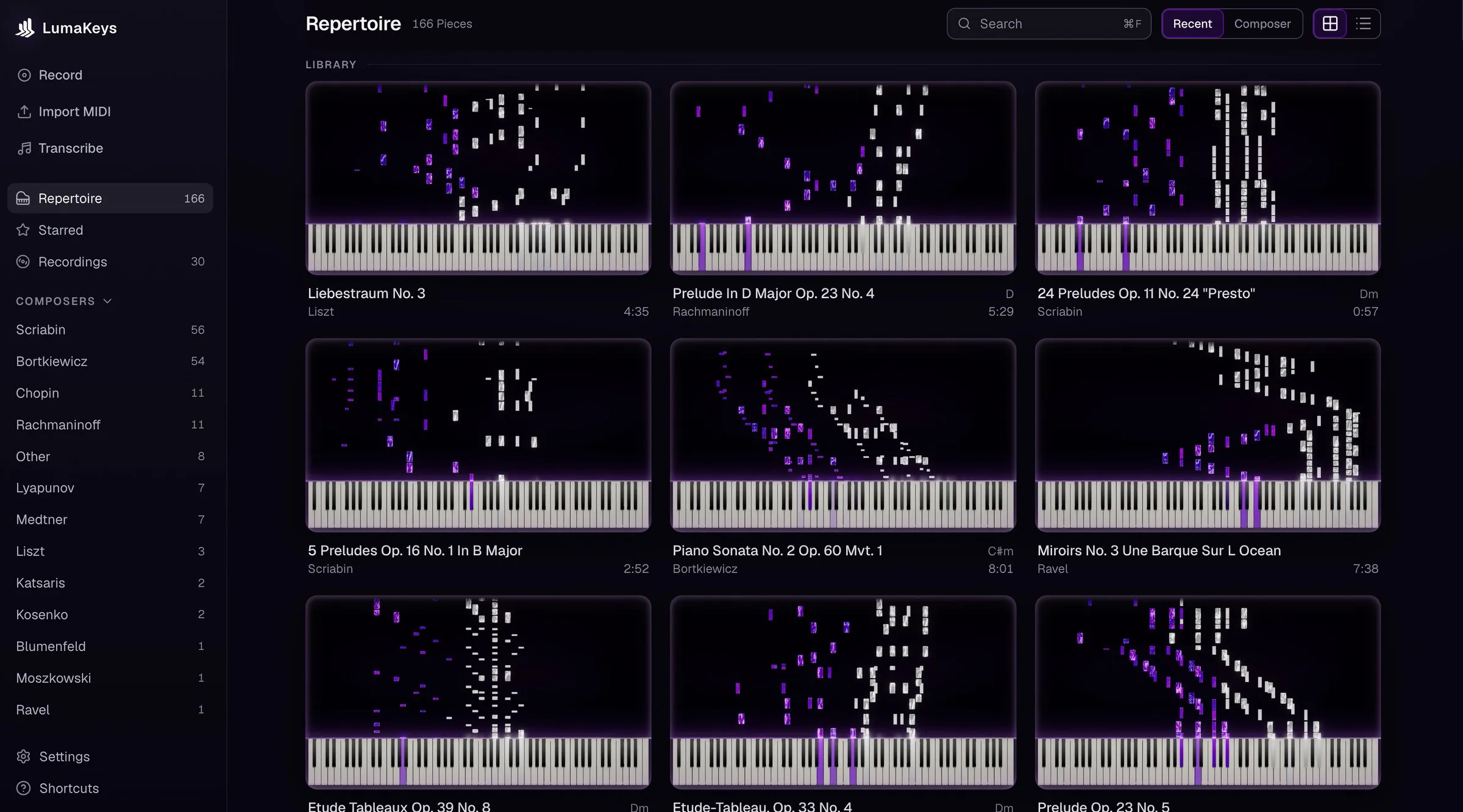
Every piece and recording in one library, organized by composer and a search away.
The visuals: 3D notes, particles, lighting, and real overhead footage of your hands synced to the keys. It runs everywhere, has a free tier, a built-in preset gallery and an active community.
It also covers practice and teaching, with live MIDI recording, a MIDI editor, MusicXML scores and audio to MIDI.
SeeMusic starts from the video. LumaKeys starts from the piece: learn it, record it, fix it in the piano roll, keep it in your repertoire, then export.
SeeMusic is a subscription, LumaKeys is one payment. LumaKeys is Mac only for now and has no 3D notes.
Comparing more apps? See all Synthesia alternatives, or ask me.
Yes, on Mac, if you want to pay once and want practice tools and a repertoire around the video. For Windows or mobile, or for 3D notes and hands-cam, SeeMusic is the pick.
SeeMusic Pro is about $8.99 a month or $79.99 a year. LumaKeys Pro is $69 for a limited time, then $99, with no subscription and no account, so it gets cheaper the longer you use it.
Yes. LumaKeys does too, on your Mac.
Not yet. LumaKeys runs on Mac, Apple Silicon and Intel, and a Windows version is in progress. If you need Windows, iOS or Android, use SeeMusic.
No. If you need either, SeeMusic is the pick.
macOS 12 or later · On an Intel version?
Pro is $69 for a limited time, then $99. See all Pro features.