Choose Embers if
- You only need a renderer for MIDI performances you already have.
- You want Embers' particular visual style and effects.
- You are on Windows.
Embers renders falling-note videos on Windows. LumaKeys does that on Mac, and you also learn, record and edit in it.
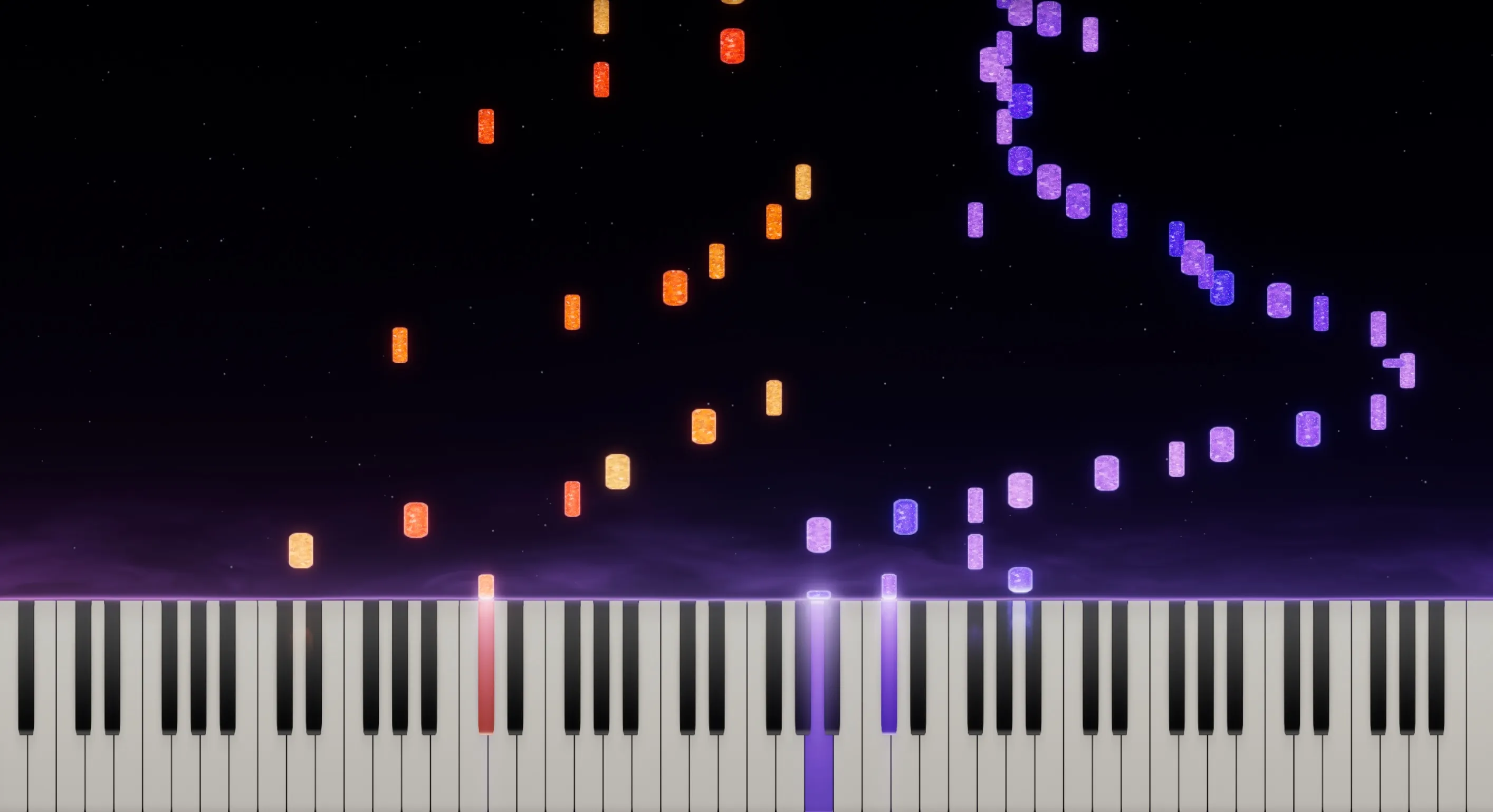
Embers is a piano visualizer for one job: take a MIDI performance and turn it into a falling-note video, with heavy lighting and particle effects. It runs on Windows. LumaKeys makes the video on Mac, and you also learn the piece, record it, fix the notes, transcribe audio to MIDI, and keep your pieces in one library.
| Feature | Embers | LumaKeys |
|---|---|---|
| The basics | ||
| Price | Free to play, video rendering from $10 a month, watermark-free from $20 (Patreon) | $69 for a limited time, then $99 |
| Subscription | Patreon, monthly | None, pay once |
| Platforms | Windows | macOS, Apple Silicon and Intel |
| Make the video | ||
| Falling-note video export | On paid Patreon tiers | 16:9 and 9:16, 60 fps, 4K on Pro |
| Customizable visuals | Yes, many options on paid tiers | |
| Record your playing | MIDI recording in live play | MIDI or computer keys, per hand |
| Note editing | — | Full piano roll |
| Learn and keep | ||
| Learn from falling notes | — | |
| Audio to MIDI transcription | — | 5 on Free, unlimited on Pro |
| Repertoire library | — | |
| External piano plugins | No hosting (SoundFonts, MIDI out) | Pro |
Sources: Embers website Embers on Patreon Embers releases on GitHub LumaKeys pricing
Loop, slow down, split the hands. Learn the piece in the same app you make the video with.

Fix the one wrong chord in the piano roll instead of recording the whole take again.
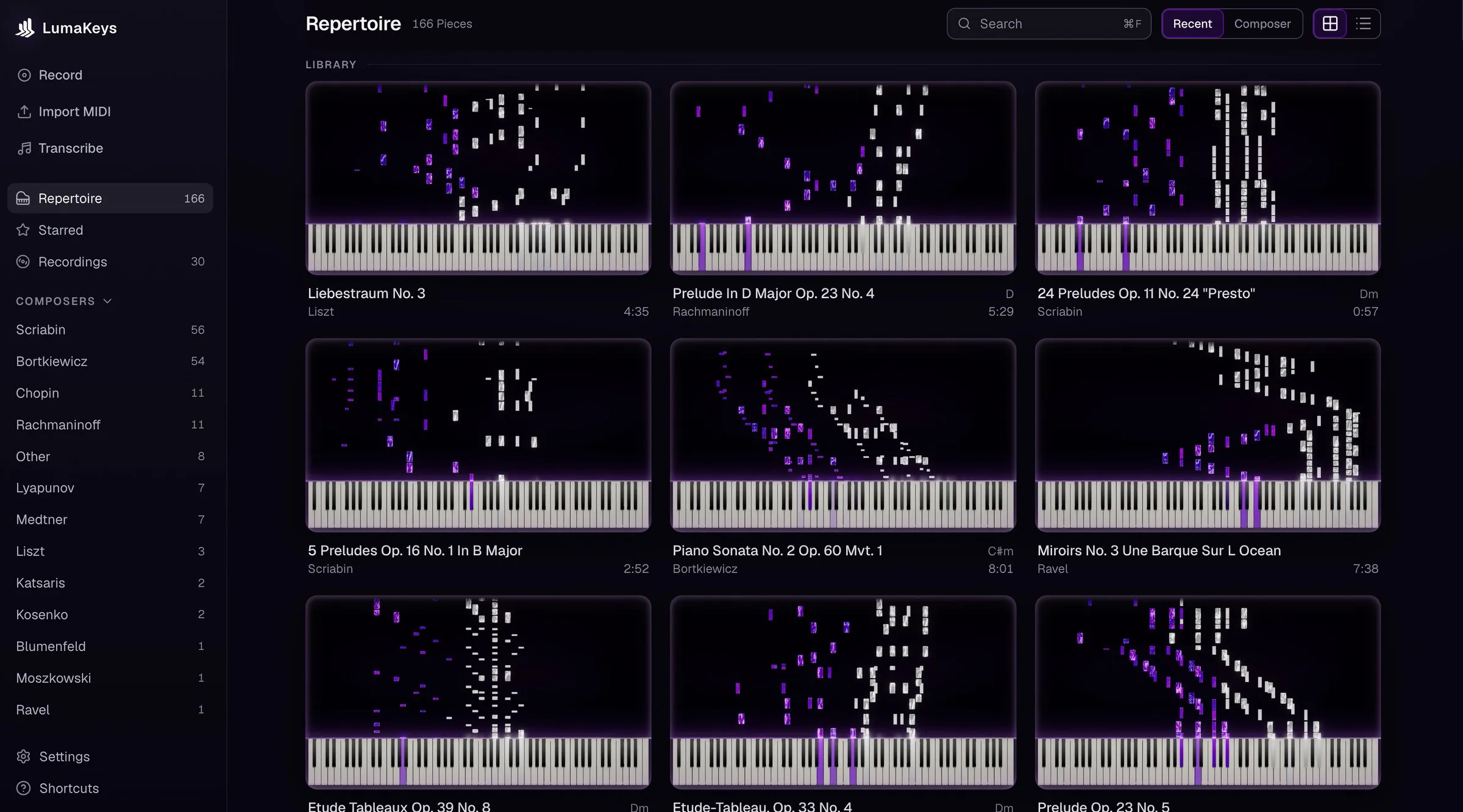
Every piece and recording in one library, organized by composer.
The render. Its look is its own, with more intense particles and lighting than LumaKeys has. It's a small, focused tool for people who record and edit somewhere else.
It can record MIDI in live play, but it doesn't help you learn a piece, fix notes, or transcribe a recording.
The latest public download is version 2.3 from June 2021, and Patreon supporters get beta builds. Its release notes have said a Mac build is coming soon since then.
Comparing more apps? See all Synthesia alternatives, or ask me.
Yes, on Mac. LumaKeys makes the same kind of falling-note video and adds learning, recording, piano-roll editing, audio-to-MIDI transcription, and a repertoire library.
No. Embers is Windows only. A Mac build has been announced as coming soon since 2021.
Not yet. LumaKeys runs on Mac, Apple Silicon and Intel, and a Windows version is in progress. Embers is the pick if you are on Windows.
LumaKeys imports standard MIDI files, so the performances behind your Embers videos come in as playable, editable pieces.
For pure effects, Embers: its particles and lighting are more intense. LumaKeys looks cleaner, lets you customize the look, and exports up to 4K at 60 fps in widescreen and vertical.
macOS 12 or later · On an Intel version?
Pro is $69 for a limited time, then $99. See all Pro features.