Limited time offer: $30 off Pro$30 off Pro
Download for Free

Learn piano without reading sheet music

I can't read sheet music. Every piece I play, I learned from falling notes. You can learn this way too.

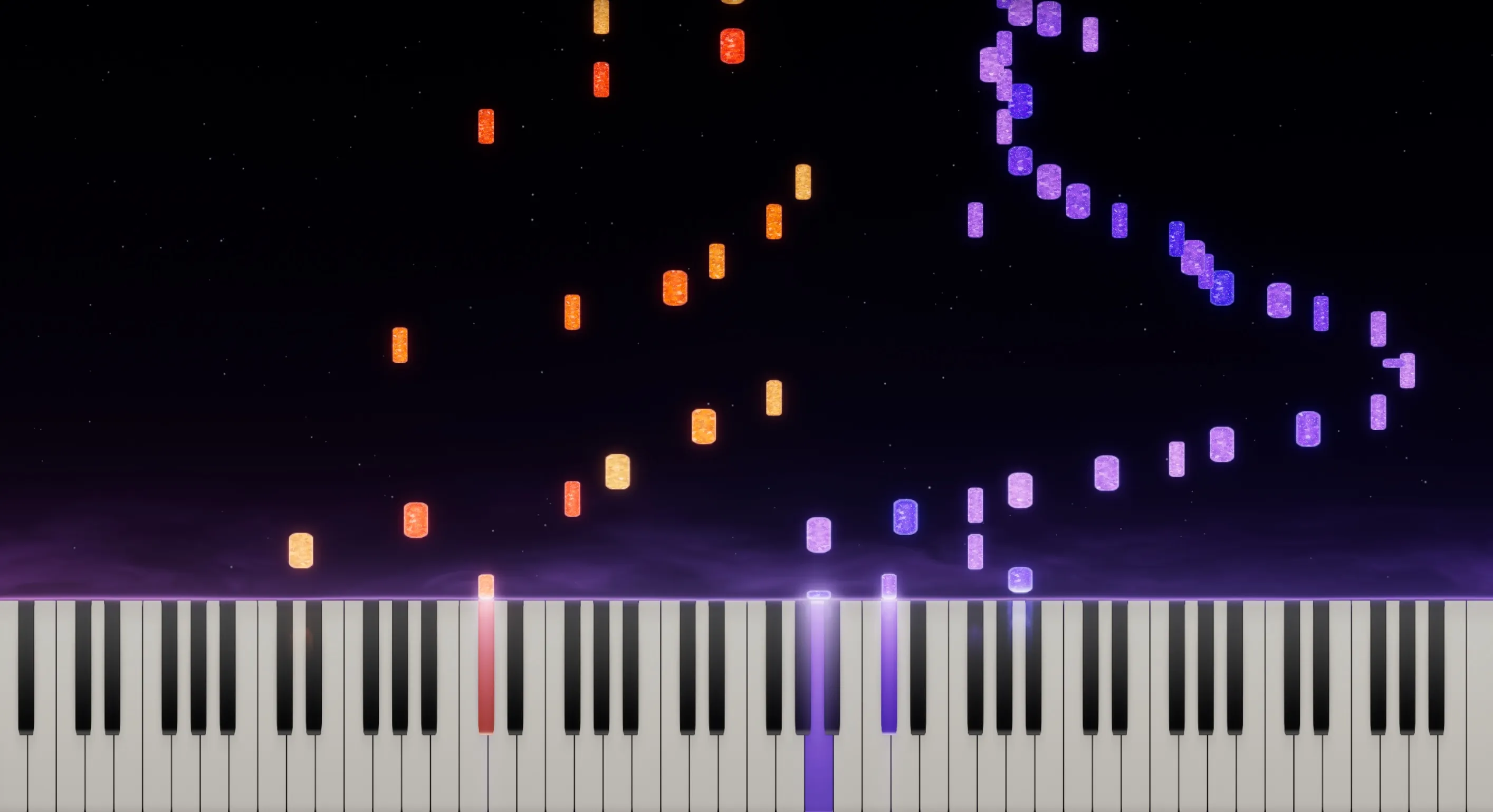
Falling notes show you which key to press, when, and for how long. Slow the piece down, loop the part you're stuck on, and learn one hand at a time. Here's how it works, how I learn a new piece, and how LumaKeys helps.

By Ramon, founder of LumaKeys and self-taught pianist Published Updated

How falling notes work

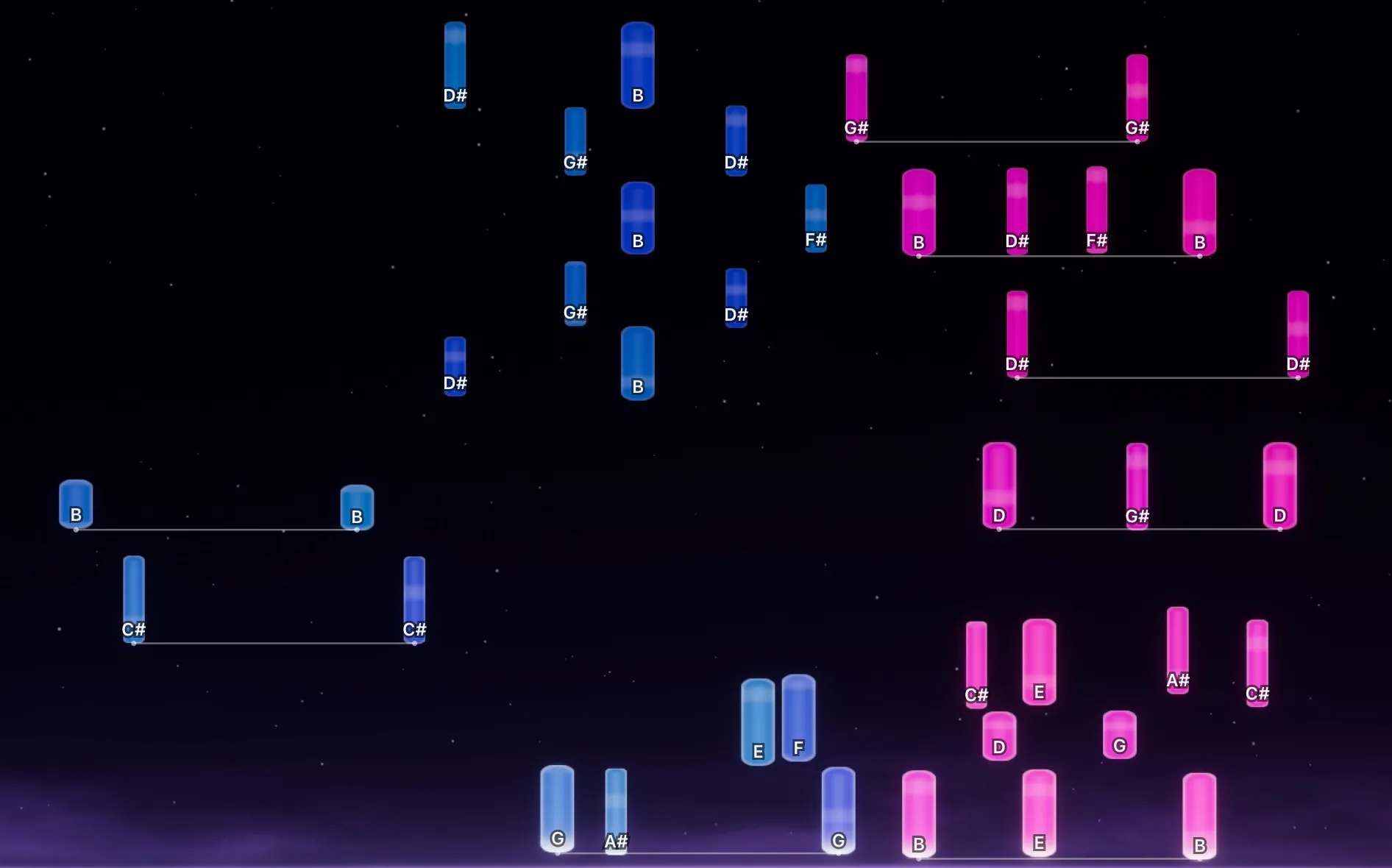
Notes fall toward a keyboard on screen. Where a note lands is the key, when it lands is the timing, and its length is how long you hold it. Left and right hand each have their own color.

There's nothing to translate. You see the keys and play what you see. Note names and octave guides help at the start, and you turn them off once you don't need them.

Falling notes in LumaKeys with note names on the keys and the octave helper visible
Note names on the keys, hand colors and octave guides.

Why I built LumaKeys

A few years ago I started learning piano, but having no deeper musical background, no theory lessons and not being able to read sheet music makes things a lot harder.

I have been learning every piece from Synthesia and falling note videos on YouTube. But over time, the low quality and limited repertoire became an issue.

So I thought there had to be a better way to learn in the falling notes style. An app to help pianists learn faster, keep every piece in one place, record their performances and share beautiful visuals. So I built LumaKeys.

The piano app I wish I had when I started playing piano.
Ramon at his digital piano beside a window

Ramon

Founder of LumaKeys · Self-taught pianist

How I learn a new piece

  1. Pick a piece I love

    I only learn pieces I really want to play. That's what keeps me coming back to the piano.

  2. Right hand first

    The melody is what I hear in my head, so it comes fastest. I get the right hand comfortable before the left hand comes in.

  3. Short sections

    30 seconds to two minutes at a time, not the whole piece at once.

  4. Slow, then faster

    I slow a section down until I barely make mistakes, loop it, and bring the tempo up step by step.

  5. Simplify the left hand

    I keep the main harmony and play what my hands can do today. The left hand gets better over time.

Hands learning a piece on a MIDI keyboard with LumaKeys falling notes on the screen behind

Learning in LumaKeys

Import a MIDI file, or transcribe a piano recording into MIDI. Then slow the piece down, loop a section, play one hand at a time, or let the piece wait until you play the right note.

Play with a MIDI keyboard or your computer keys. Every piece stays in your library, and once a piece is yours, record your own version and export it as a video.

LumaKeys is free to download. Pro removes the limits. If you want a place to start, my falling-notes tutorials are free on YouTube.

Questions & answers

Something else on your mind? Ask me.

Can you learn piano without reading sheet music?

Yes. I did. Falling notes show you which key to press, when, and for how long, so you can learn a real piece from day one.

Is learning with falling notes cheating?

No. You still put in the same hours of practice. When you play a piece, nobody can hear how you learned it.

What other ways are there to learn without sheet music?

Learning by ear, chord charts and video tutorials. Most self-taught pianists mix them. For me, falling notes were the easiest start, because you always see which key comes next.

Should I learn to read sheet music later?

If you want to, go for it. It opens up pieces that have no MIDI file. I never did, and I still play the pieces I love.

Do I need a MIDI keyboard?

No. In LumaKeys you can start with your computer keys and plug in a MIDI keyboard when you're ready.

Where do I get pieces to learn?

Import any MIDI file, transcribe a piano recording into MIDI inside LumaKeys, or play a piece in yourself.

Start your piano journey today.

macOS 12 or later · On an Intel version?