Choose Flowkey if
- You want a guided course rather than pieces of your own choosing.
- You want it on iPhone, iPad, or Android.
- You like the hands-on-video view above the sheet music.
- You are fine with a subscription.
Flowkey is a course with a licensed library, on a subscription. LumaKeys is a one-time Mac app for any piece you bring in, and for the videos you make of it.
Flowkey is a subscription learning app: a library of songs and courses, a video of hands above the sheet music, and a wait mode that listens and pauses until you hit the right note. It runs on iPhone, iPad, Android and in the browser. LumaKeys is a one-time Mac app for learning any piece from falling notes, including pieces Flowkey doesn't have, plus recording, editing, audio to MIDI and video export.
| Feature | Flowkey | LumaKeys |
|---|---|---|
| The basics | ||
| Price | Classic $99.99 a year, Premium $149.99, Family $224.99, or $16.49 to $37.49 a month (US web prices) | $69 for a limited time, then $99 |
| Subscription | Yes, no lifetime plan | None, pay once |
| Platforms | iPhone, iPad, Android, browser | macOS, Apple Silicon and Intel |
| Learn | ||
| Falling notes, no sheet music | — | |
| Video of a pianist's hands next to the notes | — | |
| Song library | Thousands, licensed, by level | Curated set, any MIDI or audio |
| Wait mode | Microphone or MIDI | MIDI keyboard or computer keys |
| Loop and slow down | ||
| Hands separate | ||
| Structured courses | — | |
| Create and share | ||
| Record your playing | — | MIDI or computer keys, per hand |
| Piano-roll editing | — | |
| Audio to MIDI transcription | — | 5 on Free, unlimited on Pro |
| Video export | — | 16:9 and 9:16, 60 fps, 4K on Pro |
| Library of your own pieces and recordings | — | |
Sources: Flowkey Flowkey subscription plans and prices LumaKeys pricing
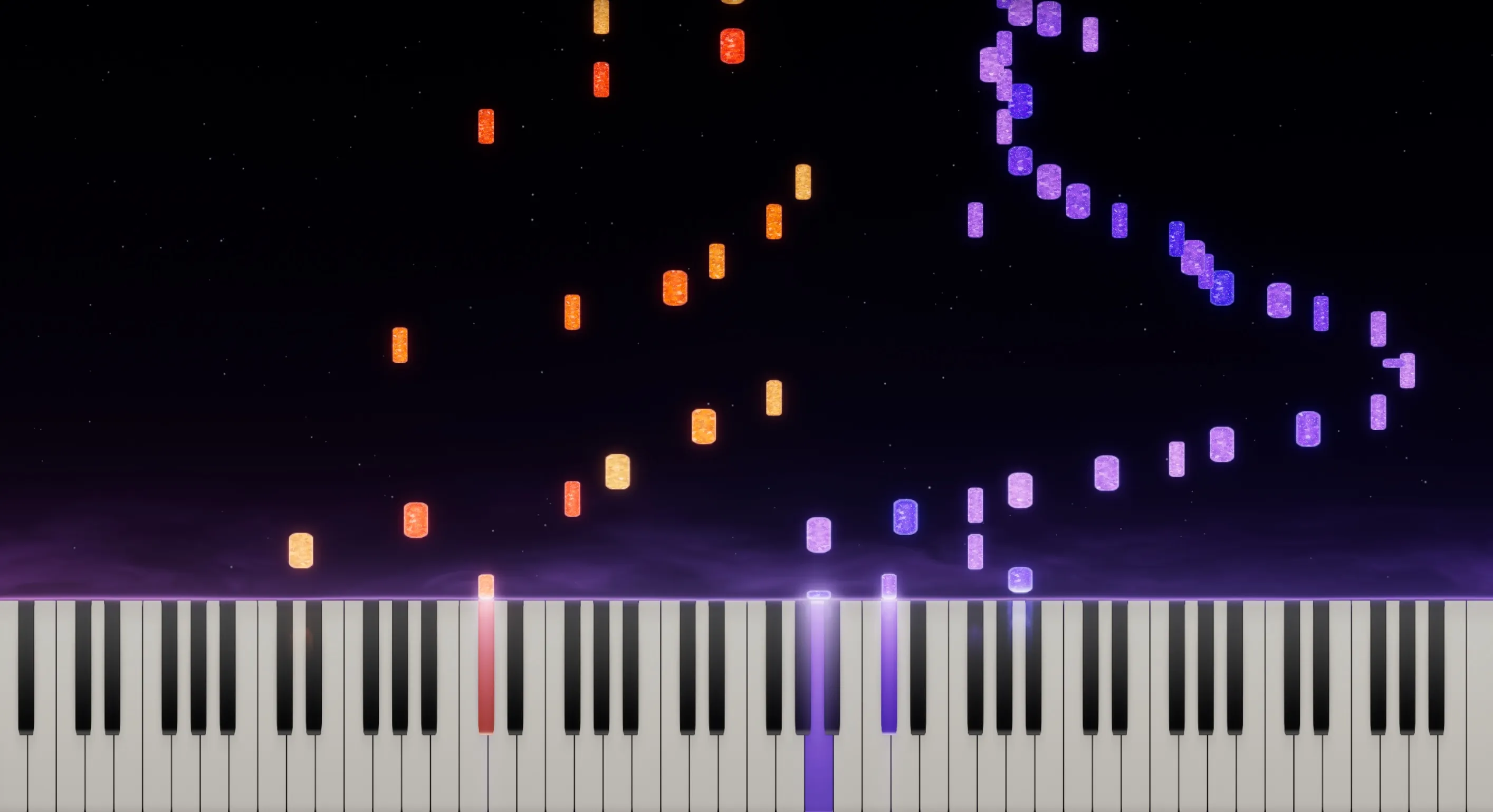
Any piece you choose. Loop, slow down, split the hands.

Drop in a piano recording, or record your piano through the microphone, and it becomes editable notes, on your Mac.
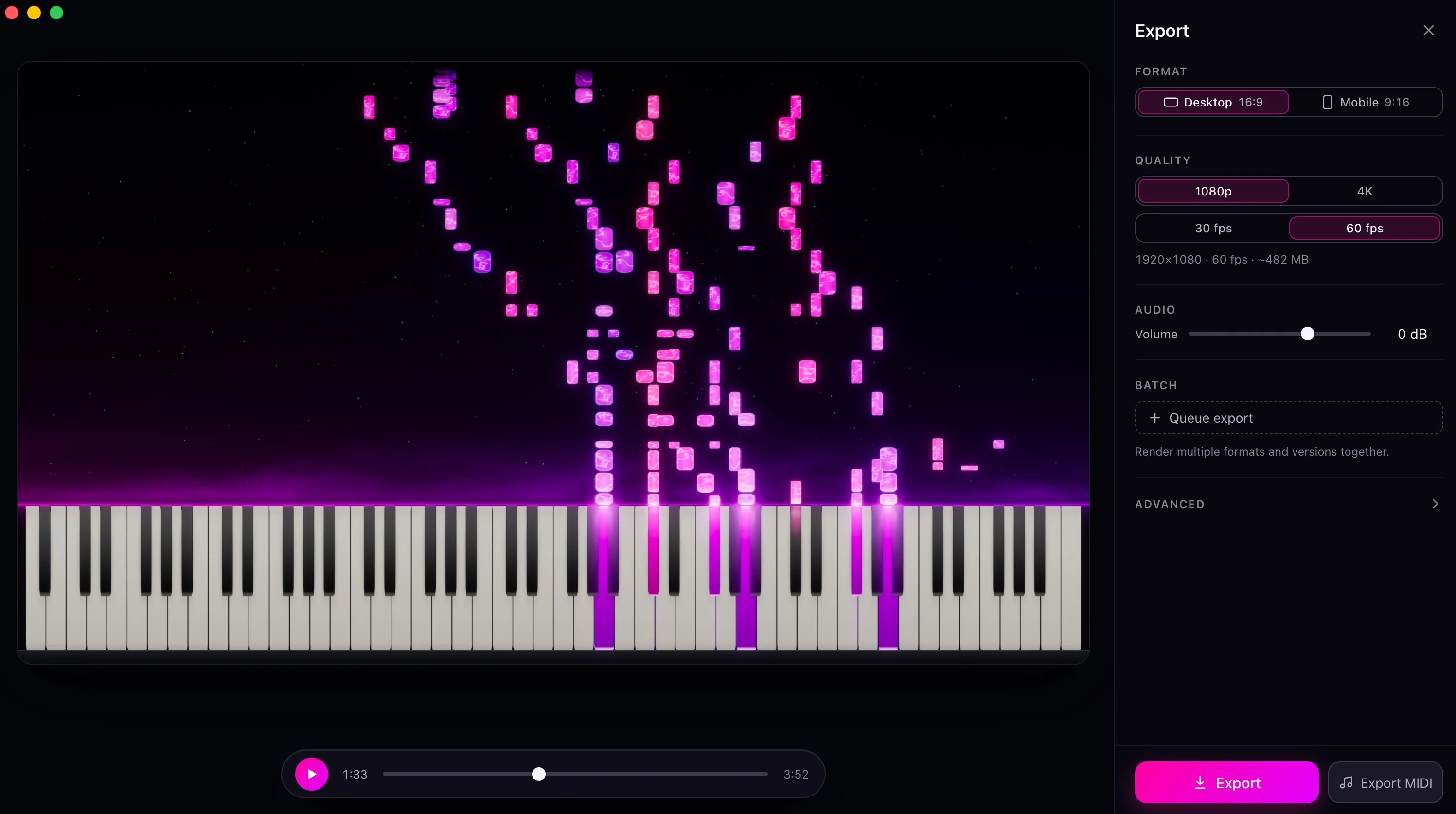
Your playing, in your colors, exported up to 4K for YouTube, TikTok, or Reels.
Courses that take a beginner through technique step by step, a licensed and well-produced library, and a wait mode that listens through the microphone, so you can practice on an acoustic piano. Flowkey says over 15 million people have learned with it.
Flowkey teaches its library. If the piece you want isn't in it, you're on your own. It's built around sheet music with a video above it, and it doesn't record your playing, keep your versions, or export anything.
It's a subscription, and the library stays with the subscription.
Comparing more apps? See all Synthesia alternatives, or ask me.
Yes, if you want to learn any piece and keep your own versions. For a guided beginner course on a phone or tablet, Flowkey is the better fit.
No. LumaKeys is for learning pieces you choose: loop, slow down, split the hands, and record.
Not while you practice. LumaKeys follows a MIDI keyboard or your computer keys. In Transcribe you can record your acoustic piano through the microphone and turn the take into editable notes, on your Mac.
Flowkey is $99.99 to $224.99 a year, depending on the plan and your country. LumaKeys Pro is $69 for a limited time, then $99, once, and Free never expires.
macOS 12 or later · On an Intel version?
Pro is $69 for a limited time, then $99. See all Pro features.