1 Install it
Open the DMG and drag LumaKeys into Applications. It is signed and notarized by Apple. The first time you open it, macOS asks once to confirm.
Black Friday 20% off Pro until December 1 Get Pro
LumaKeys is only available for Mac right now. Enter your email to get the download link.
The Windows version is launching in the next weeks. Join the newsletter to get notified when it's out.
On a Mac instead? Download the Mac version.
Apple Silicon, macOS 12+. On an Intel Mac?
Your download is starting. Download it manually if nothing happens.
One update mail every few weeks and special discounts. No spam. Privacy
Open the DMG and drag LumaKeys into Applications. It is signed and notarized by Apple. The first time you open it, macOS asks once to confirm.

Import a MIDI file, drop in audio to transcribe, or record yourself playing. Free covers 10 imported pieces at a time and 5 transcriptions. Your own recordings don’t count.
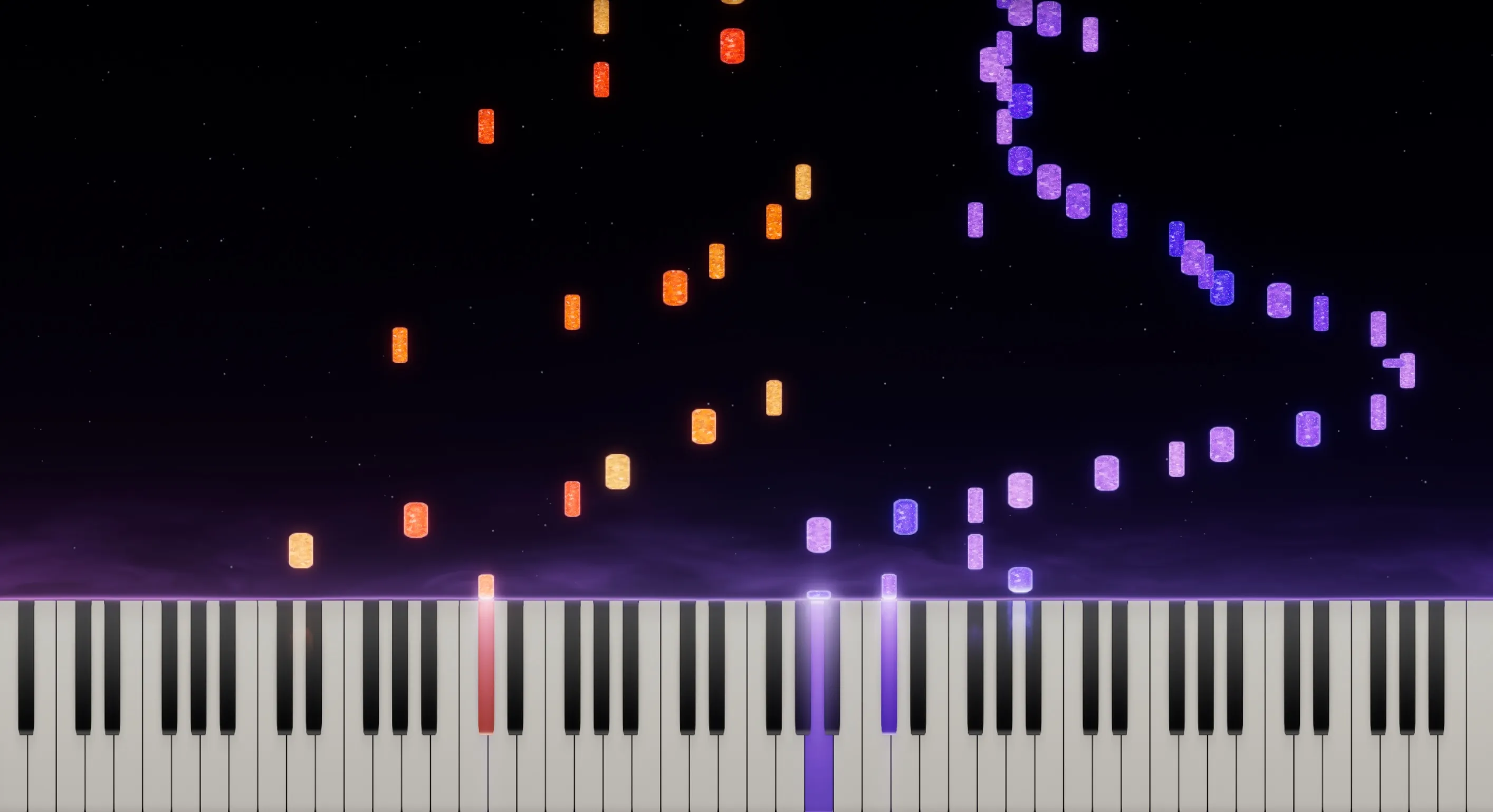
Slow it down, loop the bar that keeps falling apart, split the hands. Then bring it back up to speed.
Downloading the Apple Silicon build. On an Intel Mac?
Pro is $79, one time. You never need it to keep using the app. See what Free and Pro include, or read the FAQ.