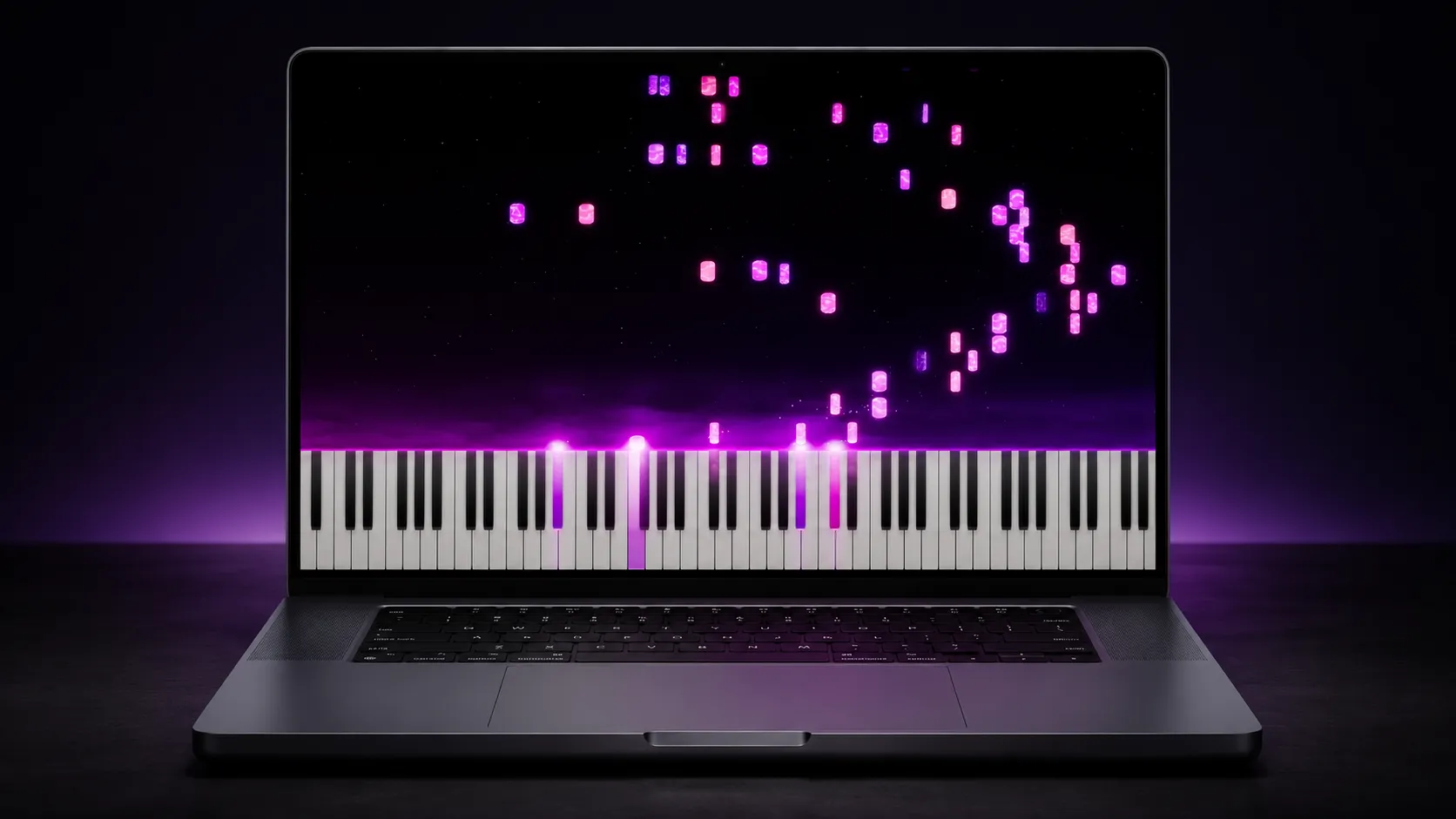
Synthesia piano app alternatives

The best Synthesia piano app alternatives
in 2026, compared honestly.

Looking for an alternative to the Synthesia piano app, not Synthesia.io’s AI video tool? The right pick depends on which half of the piano app you’re replacing. For modern falling-note learning plus recording, editing, and video export, that’s LumaKeys (Mac, $99 one-time; beta testers lock the $69 founding price). For a free falling-note player, start with Piano From Above or Neothesia. For piano videos, look at SeeMusic or Embers. For structured lessons, Flowkey is the better fit.

One thing before the list: LumaKeys is our app. We've kept every claim here specific and checkable, listed real prices, and said plainly where another tool is the better pick. Already know the head-to-head you want? Read LumaKeys vs Synthesia.

By Ramon · Founder of LumaKeys · Self-taught pianist Published Updated

The short answer, by what you need

All eight at a glance

App Price Platforms Learning Video export
Synthesia $39 one-time Win · Mac · iOS · Android Falling notes, wait mode, finger hints Basic AVI, Windows only
LumaKeys Free · $69 founding / $99 regular Pro macOS (Apple Silicon) Falling notes, loop, slow-down, hands Up to 4K/60 · 16:9, 9:16, 4:5
Piano From Above Free (open source) Windows Falling notes from any MIDI None
Neothesia Free (open source) Win · Mac · Linux Falling notes from any MIDI None
SeeMusic Subscription (~$79.99/yr) Win · Mac · iOS · Android None (video tool) Up to 4K/60, hands-cam sync
Embers Patreon-supported Win · Mac None (video tool) Up to 4K renders
Flowkey Subscription Web · iOS · Android Sheet + hands video, wait mode None
Pianotify Freemium Browser Falling notes in the browser None

Compared July 2026. "Synthesia" here is the piano-learning app at synthesiagame.com, not synthesia.io (the AI video company). Prices are the published ones at time of writing.

Sources checked 12 July 2026

Synthesia Piano From Above Neothesia SeeMusic Embers Flowkey Pianotify LumaKeys pricing and limits

The alternatives, one by one

1. LumaKeys our app

One app for your whole piano life, on Mac

Price
Free tier · $69 founding / $99 regular for Pro
Platforms
macOS (Apple Silicon)

Full disclosure: LumaKeys is our app. It exists because the founder spent five years learning piano from Synthesia-style videos and kept running into the same walls: pieces scattered across YouTube, no way to record or edit, nothing worth exporting.

LumaKeys covers the whole loop in one place. Learn a piece from falling notes with loop, slow-down, and hand isolation. Record your own version with a MIDI keyboard or your computer keys. Edit every note in a piano roll. Turn a piano recording into editable notes with on-device audio-to-MIDI. Keep your repertoire organized by composer. Then export a video up to 4K/60 in widescreen, vertical, or 4:5 for social.

The honest limits: it's Mac-only (Apple Silicon), and Pro costs more than Synthesia: $99 one-time. The free beta is open now, and beta testers lock the $69 founding price. Free keeps the full core with caps: 5 pieces, 5 transcriptions, 1080p export with a small watermark.

2. Piano From Above

Best free alternative on Windows

Price
Free, open source
Platforms
Windows

Piano From Above is the classic free answer. Open any MIDI file and play the notes as they fall, game-style, with a MIDI keyboard plugged in. It's open source and has been around for years.

It's a player, and only a player: no recording, no editing, no library, no video export, and the visuals are bare. If you're on Windows and want to try falling-note learning for exactly $0, start here.

3. Neothesia

Best free option on Mac and Linux

Price
Free, open source
Platforms
Windows · macOS · Linux

Neothesia is a modern open-source falling-note player: drop in a MIDI file and it renders colorful falling blocks over a virtual keyboard. It's actively developed and runs on all three desktop platforms, which makes it the free pick if you're not on Windows.

Same trade-off as Piano From Above: playback only. No practice tools beyond the basics, no recording, no library, no export pipeline for making videos.

4. SeeMusic

Making piano videos with a hands-cam

Price
Free with watermark · Pro subscription (~$9.99/mo or ~$79.99/yr)
Platforms
macOS · Windows · iOS · Android

SeeMusic is the biggest name in falling-note video making. Its standout feature is real camera-footage sync: your notes render above an overhead video of your hands, the #1 piano-video format on YouTube. Add 3D notes, particles, presets, and export up to 4K/60.

It's a video tool, not a learning tool — there's no practice mode, and nothing that helps you actually learn the piece first. Pricing is a subscription: the free version watermarks your export, and Pro runs about $9.99 a month or $79.99 a year on the Mac App Store (July 2026).

5. Embers

Cinematic falling-note renders

Price
Patreon-supported (indie)
Platforms
macOS · Windows

Embers is a one-developer indie app focused on one thing: making MIDI files look cinematic. Feed it a MIDI, tune the colors and glow, sync your own audio, and render up to 4K. The results look genuinely beautiful, and creators use it for exactly that.

Like SeeMusic, it lives entirely on the video side: no learning features, no recording from a keyboard into a library, no repertoire. Development is funded through Patreon, so features arrive at indie pace.

6. Flowkey

Structured lessons with a big song library

Price
Free tier · subscription for full access
Platforms
Web · iOS · Android · works on any piano

Flowkey is the polished mainstream learning app: over 1,500 licensed songs, wait-for-you mode, hands-separate practice, and a video of a real pianist's hands synced to the score. If you want structure and a curriculum, it's very good.

Two honest caveats if you're coming from Synthesia. First, Flowkey teaches with sheet music plus a hands video, not falling notes — a different visual language. Second, it's a subscription, and your access to everything ends when you stop paying.

7. Pianotify

Falling notes in the browser, no install

Price
Freemium
Platforms
Any browser

Pianotify runs entirely in the browser: falling-note practice and a song catalog, with nothing to install. That makes it the quickest way to try this style of learning on a Chromebook, a work laptop, or anything else with a browser.

The trade-off is depth: browser apps can't match a native app for audio latency, offline use, or rendering quality, and there's no video export or personal library of your own recordings.

Why people look for an alternative at all

Synthesia earned its place. It pioneered learning piano from falling notes about twenty years ago, it costs $39 once, and it runs on everything. Most self-taught pianists, including the person who built LumaKeys, started there or on YouTube videos made with it.

The reasons people eventually search for something else are consistent: the visuals feel dated, there's no real way to export a video worth posting, your own recordings have no home, and once you're past the first songs there's nothing that grows with you. Which alternative fixes that depends on whether you hit the learning wall, the video wall, or both — that's what the list above is sorted by.

Questions & answers

What is the best alternative to the Synthesia piano app?

It depends on what you're replacing. For learning plus recording, editing, and 4K video export on Mac, LumaKeys Pro is $99 one-time. The free beta is open now, and beta testers lock the $69 founding price. For a free falling-note player, Piano From Above (Windows) or Neothesia (Windows, Mac, Linux). For making piano videos with a hands-cam, SeeMusic. For structured subscription lessons, Flowkey.

Is there a free Synthesia alternative?

Yes. Piano From Above (Windows) and Neothesia (Windows, Mac, Linux) are both free and open source: open any MIDI file and learn it from falling notes. They're players only, with no recording, library, or video export. LumaKeys also has a free tier with the full core capped at 5 pieces and 1080p export.

What is the best Synthesia alternative for Mac?

LumaKeys — it's built Mac-native for Apple Silicon and covers learning, recording, piano-roll editing, audio-to-MIDI transcription, a repertoire library, and 4K/60 video export in one app. Pro is $99 one-time; beta testers lock the $69 founding price. Neothesia is the free Mac pick if you only need a falling-note player.

What should I use to make falling-note piano videos?

SeeMusic if you want notes composited over real hands-cam footage. Embers if you want cinematic renders from a MIDI file. LumaKeys if you want the piece and the video in the same app: learn or record it, style it with one-tap looks, and export up to 4K/60 in vertical or widescreen.

Is Synthesia still worth it in 2026?

For what it does, yes. At $39 one-time on Windows, Mac, iOS, and Android, it's still a cheap, proven way to start learning songs from falling notes. People move on when they outgrow it: the visuals are dated, there's no real video export, and there's no home for your own recordings and pieces.

Do these apps work with any MIDI keyboard?

Generally yes. Synthesia, LumaKeys, SeeMusic, Piano From Above, and Neothesia all take standard USB MIDI input. LumaKeys and Synthesia also work without a MIDI keyboard using your computer keys. Pianotify is browser-based; check its current support pages for MIDI-keyboard availability.

Join the LumaKeys beta now.

Privacy

One-time purchase · No subscription